
Access Control for Multi-Site Businesses: Card, Biometric, and Mobile Options Compared
Once a business has more than one site, access control gets harder to manage. A keycode here, a fob system there, a logbook at the third location, and nobody is sure who can still open which door. Multi-site businesses across Brisbane, the Gold Coast, and South East Queensland tend to face the same realities: leased fit-outs, retail and property portfolios, and the need for local support all shape what actually works. By the end you will know which credential type fits, where wireless and gate readers come in, and what a sensible multi-site setup looks like. Already know what you need? See our access control solutions page.
How access control systems work across multiple sites
Access control systems are four things working together: a reader at the door, a credential the reader recognises, a controller that decides whether to unlock, and a database of who is allowed in where and when. Cloud access control adds a management layer over the top, so the same credential and the same access rules work across every site you run from one dashboard. It is not a replacement for your alarm system, CCTV, or intercom. Done well, all four talk to each other so a door event, a camera clip, an alarm trigger, and a visitor buzz-in live in one place.
Card and fob systems
Cards and fobs are the most common credential in Australian commercial buildings, and for good reason. The reader checks the credential against the system and the door unlocks. Older proximity cards present a card ID with little protection, while newer smart-card and mobile credentials add stronger encryption and anti-cloning. Cards are inexpensive per door, familiar to staff, and they keep working when the internet drops. The trade-off is that cards get lost, shared, and left in drawers when people leave, so the audit trail is only as good as your offboarding process. They are a strong fit for warehouses, industrial sites, casual workforces, and back-of-house areas where speed and cost matter more than identity.
Biometric systems
Biometrics solve the “is this actually the right person” problem by using something the person cannot lose or hand over. A reader captures a fingerprint or face and matches it against an enrolled template. Audit trails are clean, there is no ongoing card cost, and credentials cannot be handed to someone else the way a card or fob can. The trade-offs are enrolment time, environmental sensitivity to dust and lighting, and privacy obligations: biometric information used for automated verification or identification is sensitive information under the Australian Privacy Act where the Act applies. Before rolling out, confirm consent, storage location, access controls, retention, and deletion with your provider. The sweet spot is high-value doors: server rooms, pharmacies, secure stock, labs. You almost never need biometric on every door.
Mobile credentials
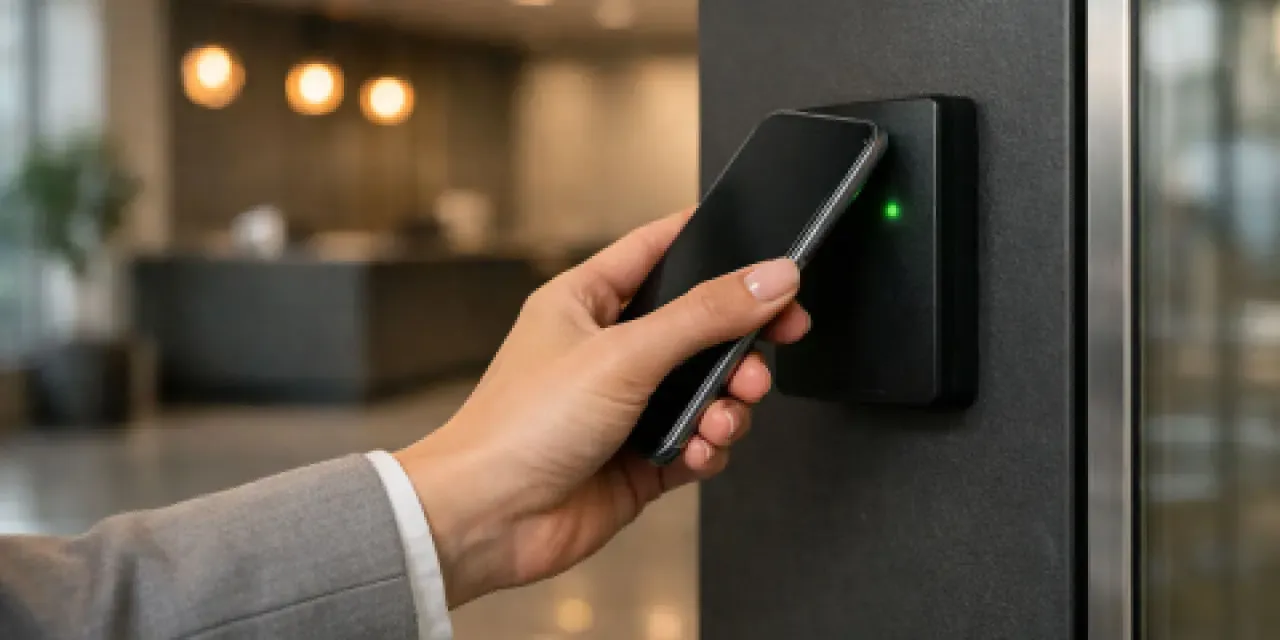
Mobile credentials are a strong option for many multi-site businesses. Each authorised person carries an encrypted credential on their phone, and the reader picks it up over Bluetooth or NFC. New staff get access from a cloud dashboard as soon as an admin grants it, regardless of site. Revoking access is usually near real time across every online door. The trade-offs are phone battery, staff who do not want a work app on a personal device, and visitor handling. Most businesses keep a small pool of cards for visitors and contractors and use mobile for everyone permanent.
Side-by-side comparison
| Card / fob | Biometric | Mobile | |
|---|---|---|---|
| Install cost per door | Lowest | Higher | Comparable to card |
| Ongoing cost per user | Card replacements | None | Subscription |
| Works if internet drops | Yes | Yes | Yes |
| Lost or shared credential risk | High | Very low | Low |
| Audit trail quality | Average | Excellent | Excellent |
| Visitor and contractor handling | Easy | Awkward | Awkward |
| Multi-site friendliness | Average | Average | Excellent |
One-line verdict. Cards for cost and simplicity, biometrics for high-value doors, mobile for multi-site businesses that want to manage everyone from one cloud dashboard. Most businesses end up with a mix.
The multi-site layer is the real decision
If you only take one thing from this post, take this. For a business with more than one site, the credential type is a smaller decision than the management layer.
Centralised management. One dashboard for every site, one list of people, one set of access rules. When a manager starts, you grant access to the three sites they cover from one screen. When someone leaves, you revoke everything in one click. If you have to log into a different system for each site, you have several single-site systems sharing a logo, not multi-site access control.
Cloud or on-premise. Cloud is usually the right answer for multi-site because the dashboard, updates, and backups are handled centrally. Most enterprise systems cache rules locally so doors keep working if the link drops, but exact behaviour depends on the platform and door hardware.
Integration with alarms, intercoms, and CCTV. When a door opens out of hours, the camera clip should be one click away. When a visitor buzzes the intercom, the person who let them in should be on record. This is the layer that turns four separate systems into one security picture.
One credential, every door. With the management layer right, the same credential works at the front door, the back office, the storeroom, the car park gate, and every other site the person is authorised for. Mixing wired, wireless, card, mobile, and gate hardware under one platform is exactly the point.
Wired or wireless: a separate decision
“Wireless access control” is not a different system, it is a different way to install the same one. Any card, biometric, or mobile setup can be wired or wireless. The choice is mainly about your building. Wireless readers and locks run on batteries and talk to a hub over an encrypted radio link, and to the user the door behaves the same.
Wireless wins in heritage buildings, leased fit-outs where you cannot touch the ceiling, temporary sites, and fast multi-site rollouts where every door would otherwise need a cabling crew. The trade-offs are battery management (most modern locks last two to five years and warn the dashboard early) and signal range. High-traffic main entries are usually still better wired. Most multi-site rollouts end up mixed, and that is fine.
Perimeter and gate access
If your sites have vehicle gates, car parks, or yards, gates deserve their own thinking. They are doors with extra constraints: weather, distance, vehicles, and usually an intercom for visitors. Reader options include long-range proximity readers that pick up a credential from several metres away (so drivers do not wind the window down), mobile credentials over Bluetooth, number plate recognition for fleet vehicles, and intercoms with remote release for deliveries.
The important part is that a gate event should land in the same dashboard, against the same person record, as a door event inside the building. If your front gate runs on a separate system nobody checks, you have a gate, not perimeter access control. This is where manual processes usually break down, because the temptation to share a code or prop a gate open is high.
Access control systems for Brisbane and Gold Coast multi-site businesses
A franchise retailer with eight stores from Brisbane to the Gold Coast. Mobile credentials for area managers so they can walk into any store. Cards for store-level team members. Wireless readers on stockroom doors to avoid touching the landlord’s fit-out. One cloud dashboard, one offboarding process when a casual finishes up.
A property manager running strata buildings on the Gold Coast. Mobile for residents, card for trades, intercom integration for visitors, biometric on the building manager’s office. Long-range readers and number plate recognition at the basement car park gate. Audit trail ready for strata committee meetings without anyone digging through paper logbooks.
Most multi-site businesses end up somewhere in this neighbourhood once they stop running each site as its own island.
How to choose
Five questions will get you most of the way there.
- How often do your people change? High turnover pushes you toward mobile or cloud-managed cards.
- How sensitive are the areas behind the door? Push biometric onto the handful of doors that justify it.
- Do you already run cloud tools like Microsoft 365? If yes, mobile credentials and cloud access control fit naturally.
- How many sites, how far apart? The more spread out, the more the management layer matters relative to credential choice.
- Can you run cable? If you cannot touch the walls (leased space, heritage buildings, temporary sites), wireless stops being optional.
The goal is not one credential type for the whole business. It is one management layer across all of them.
What drives cost and scope
Beyond the credential decision, three questions usually shape the project:
- Can we reuse existing hardware? Many sites already have door strikes, request-to-exit sensors, and even cabling that a new system can take advantage of. Not all of it, but enough to bring costs down.
- What constraints does the building or tenancy add? Heritage finishes, leased fit-outs you cannot drill, fire-rated doors, and gate types all push specific solutions.
- What actually drives cost? Hardware is rarely the biggest line. Cabling and labour, software licences, and rollout coordination across multiple sites usually outweigh the readers themselves.
What a Metwide site assessment looks like
An engineer walks each site, counts doors, checks existing cabling, alarm panels, intercoms, and CCTV, and notes which existing hardware can stay. You get back a written plan covering: which doors get which credential type, what new hardware is needed and what can be reused, costs broken down per site, the management layer that ties it all together, and a recommended rollout order so the highest-impact sites come first. From there you decide what to do next, on your timeline.