
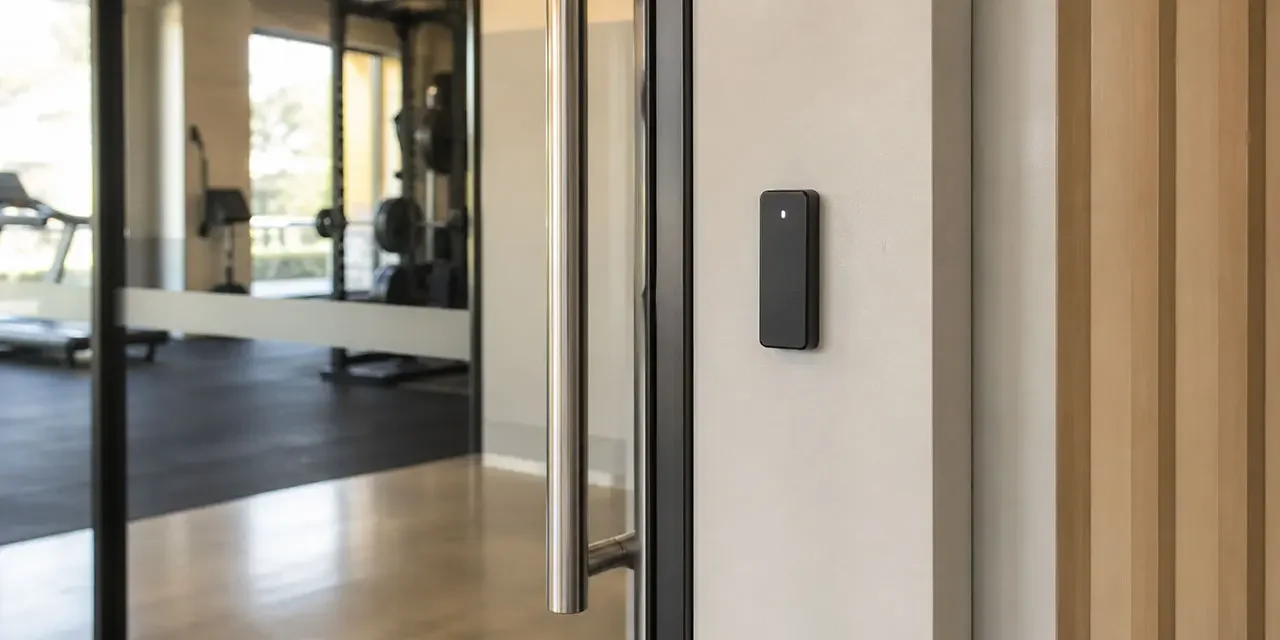
Access Control for 24/7 Gyms: Beyond the Member Fob
If you run a 24/7 gym, the access control system is the front door, duty manager, and receptionist outside staffed hours. Members tap a fob, the door opens, and no staff are there to see them in or out. Across Brisbane and the Gold Coast, 24/7 fitness chains, independent operators, and boutique studios extending into early-morning hours share the same starting point: a fob that lets paying members in, until something happens the fob cannot explain. By the end of this post you will know where fob-only falls short, what integration with cameras, alarms, and gym software adds, and how to decide whether to keep, upgrade, or replace. Already know what you need? See our gym security page.
What a modern integrated gym access control setup actually is
A modern integrated 24/7 gym security setup in Brisbane or on the Gold Coast is four things talking: cameras across the gym floor and entries, gym access control on the doors that matter, a monitored alarm behind it, and a dashboard tying the events together. The front entry, staff office, cleaner’s cupboard, and after-hours fire exit are not the same kind of door, and a modern setup treats them differently. On platforms where cameras, alarm, and access control share a ruleset, a door event, a camera clip, an alarm trigger, and a member credential land in one record. The gym is unmanned for most of the week, so the platform does the work staff would otherwise do live.
Where a fob-only setup falls short for 24/7 unmanned hours
A single 24/7 gym with a working fob system, an active back-to-base contract, and a healthy CCTV rig is not doing anything wrong. For a low-traffic site with one entry and a stable membership, that is often enough.
Once the gym opens to unmanned hours seven days a week, the gaps show. A fob lets a paying member in, and nothing more. It does not check whether their direct debit cleared, whether a friend slipped through behind them, or whether the person who tapped at 3am is the person on the credential. The CCTV captures it silently, and someone reviews it the next day if a complaint prompts the question. The 24/7 unmanned gym access model only works when the questions the fob cannot answer are answered somewhere else.
Member credential options for 24/7 gyms: fob, card, and mobile
Most 24/7 gyms run on fobs because they are inexpensive, simple, and members understand them. Cards work the same way and many platforms treat the two as interchangeable. The familiar trade-offs: lost fobs cost money to replace, shared fobs are hard to detect without help from the camera, and ex-members keep a working credential in a drawer until someone deactivates it.
Mobile access control gym credentials are the modern alternative. The credential lives in an app on the member’s phone, the reader picks it up over Bluetooth or NFC, and the access platform grants or revokes it from the cloud. New members can be granted access from sign-up, and where the gym software exposes membership status and the access platform supports that mapping, revocation can land without a second manual step. Trade-offs are phone battery, members who do not want a gym app on a personal phone, and visitor handling. Older members and casual passes are still a card or fob conversation, and most gyms end up running mixed credentials.
Integration with gym management software, and credential tiers
Most gyms already run gym management software for memberships, billing, bookings, and class rosters. The credential at the door is most useful when it reflects what that platform already knows. Where the gym software exposes membership status and the access platform supports that mapping, a lapsed direct debit, a cancelled membership, or a suspension can update access without a second manual step. The same gym membership access control link gives the team a single onboarding step rather than a fob hand-off, a manual entry, and a separate alarm code.
Different people need different doors: members during plan hours, personal trainers on rostered shifts, cleaners and contractors on a time-bound pass against a specific work order, suppliers on a one-off code. The integration layer lets each tier carry its own rules. For franchise and multi-site operators, the same dashboard means one login across every location, per-location rules, and delegated admin so a location owner runs their site without head office touching every change. For the broader non-gym credential comparison, see access control for multi-site businesses.
The practical difference is that Metwide scopes the readers, lock hardware, cameras, alarm signalling, cabling, and network path together, instead of leaving the gym owner to join separate fob, camera, and IT providers after handover.
Want a second opinion on your current setup? Talk to a Metwide engineer.
Gym tailgating, after-hours response, and response scope
Gym tailgating is a common non-payment access problem in 24/7 unmanned gyms. A member taps in, holds the door for the person behind them, and the platform records one entry against one credential. Will an integrated setup stop this? No. Where camera analytics and access events are integrated, suspected tailgating can be queued for review with the clip attached, so the question moves from “is this happening” to “here are the entries worth a look.” It is detection and evidence, not a real-time block.
After-hours response works the same way. On integrated setups where alarm, CCTV, and access events share a ruleset, a door forced, a fire exit propped, or an alarm trigger lands as a verified alert with the nearest CCTV clip and the access log of who tapped through in the last hour. On platforms with back-to-base monitoring, the people on call can see context before anyone gets in a car, provided dual-path signalling is configured and supervised properly. Staff duress, member emergency procedures, and monitored response paths should be scoped separately; do not assume they come with an access-control upgrade.
Standalone fob setup vs integrated gym security: side-by-side
| Capability | Standalone fob and CCTV setup | Integrated gym security platform |
|---|---|---|
| Member credential | Fob or card only | Fob, card, or mobile, by member preference |
| Membership status sync | Manual, system to system | Near real time where the gym software and access platform support it |
| Lost or shared credential | Manual replacement and deactivation | Cloud revocation where supported, mobile pass as an alternative |
| Tailgating visibility | Camera footage, reviewed later | Pattern-based review queue with clip attached |
| After-hours alert | SMS or monitoring call with a code | Notification with camera clip and access context, where platforms share a ruleset |
| Contractor and supplier access | Spare fob or shared code | Time-bound pass tied to a work order |
| Multi-site visibility | Per gym, mixed systems | One dashboard across the network |
| Audit trail for insurer or franchisor | Spread across systems | Exportable from one record |
One-line verdict. A single 24/7 gym with a healthy fob system and a decent camera rig is often fine. For multi-site operators, or sites where churn and tailgating are visibly costing time, the integration layer is where the real gains sit, not a new fob batch.
CCTV in a gym carries higher sensitivity than in most commercial settings. Cameras around gym floors, entries, and corridors outside private areas are usually appropriate; they should not cover changerooms, showers, or private treatment areas. Where the Privacy Act applies, footage and access logs may be personal information, and retention, access, and deletion rules are worth pinning down with your provider before installation. Some insurance policies for 24/7 unmanned premises may ask for documented access logs and retained CCTV; specifics vary, and a broker conversation before hardware is ordered usually saves time later. Our modern monitored alarm systems post covers how the alarm sits across this picture.
Gym access control for Brisbane and Gold Coast operators
A 24/7 fitness franchise with five locations between Brisbane and the Gold Coast. Mobile credentials for members who choose the app, fobs for those who prefer them, all on one fitness centre access control platform. Where the gym software supports it, membership status syncs to the door so a lapsed payment suspends access before the next visit. Tailgating events queue for the location owner each morning with the entry clip attached, and one offboarding closes the credential, alarm code, and booking access at every site in a single workflow.
A boutique studio in a Brisbane suburban shopping-strip tenancy extending to early-morning hours. A yoga or Pilates studio with manned reception during class hours and key-tag entry from 5am for the early sessions. A small reader at the front, and where booking integration is supported, only members or booked clients for that session can tap in. A camera at the entry, a monitored alarm overnight, and a time-bound pass for the cleaners on the days they come. The studio owner sees every after-hours entry without standing at the door at 4:50am.
How to decide: keep, upgrade, or replace
Seven questions will get most gym operators most of the way there.
- What does credentialling look like today? If members tap a fob and that is the whole picture, decide whether mobile or mixed credentials would change admin load and member experience enough to be worth it.
- Does your gym software talk to the door? If a cancelled membership still opens the door until someone deactivates the credential by hand, integrating membership status with access is usually the first upgrade worth costing.
- How visible is tailgating? If your answer is “we do not really know,” a pattern-based detection feed with camera clips will at least make the question answerable.
- What happens after hours when something goes wrong? If alarms, clips, and access logs live in three places, decide whether after-hours incidents are frequent or serious enough to justify an integrated review queue.
- How many sites, and who administers them? The more sites and managers, the more multi-site gym security at the dashboard layer matters relative to any single fob upgrade.
- What happens if the internet or gym software drops? Confirm with the installer that readers cache permissions locally, doors keep working on stored rules, alarm signalling stays up, and credential or membership changes queue for sync once the link returns.
- What do your insurer, lease, and franchisor actually require? Check whether your policy assumes monitored alarms, retained CCTV, or documented access logs before you commit to hardware.
The shape of the decision usually falls out from there: keep if the gym is single-site and admin and tailgating are not hurting, upgrade if credentialling is fine but gym software, after-hours response, or multi-site admin is the weak link, and replace or re-platform if each site runs its own island or the current setup cannot evidence who did what and when. Most operators change site by site, leading with where churn, tailgating, or after-hours events are hurting most.
What drives cost and scope
Three questions usually shape the project.
- Single site or chain rollout? A single gym is one stage. A chain rollout is staged so the highest-churn sites go first, with the cloud dashboard set up once so later locations join against the same records.
- Existing fob hardware reusable, or starting fresh? Many gyms have door strikes, request-to-exit sensors, and cabling a new platform can use, often enough to bring costs down.
- What is the gym-management-software integration scope? A read-only sync, a full bidirectional integration, or a custom mapping all carry different effort. Confirm what your software exposes before scoping the rest.
What a Metwide gym security review looks like
An engineer from our field team (NSW and QLD security and cabling licences) walks the site, checks the existing fob platform, cameras, alarm, cabling, and how the gym software connects to the door, and notes what can be reused. You get back a written plan covering which doors are fine, where credentialling, sync, or after-hours response need work, costs per site, and a rollout order so the highest-priority locations go first. From there you decide what to do next, on your timeline.